Organize media with projects
Projects are working sets inside Asset Grove. They reference cataloged originals; they do not duplicate or relocate media until you export.
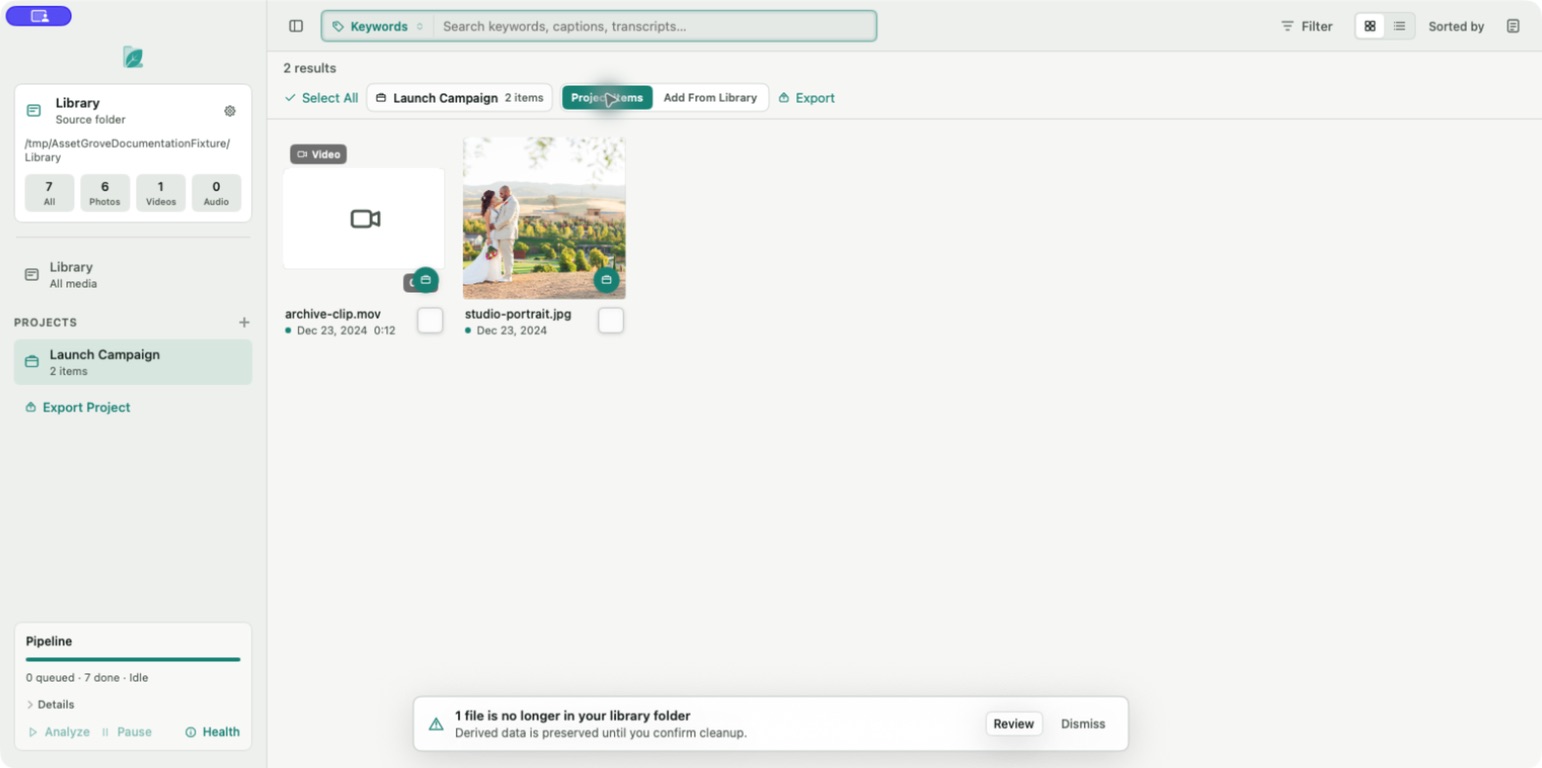
Create a project
- Select the add button beside Projects.
- Enter a clear name.
- Create an empty project or create it from the current selection when offered.
Add media with the project action, the Inspector, or drag and drop. Remove an item from a project without removing it from the library.
Search scope
When a project is active, choose:
- Project Items to search only media already in the project.
- Add From Library to search the full catalog while keeping the project active, making it easy to add more items.
Renaming or deleting a project changes only the Asset Grove working set. It does not rename or delete originals.
Next: Export a project.