Search with Keywords
Use Keywords when you know an exact word or phrase.
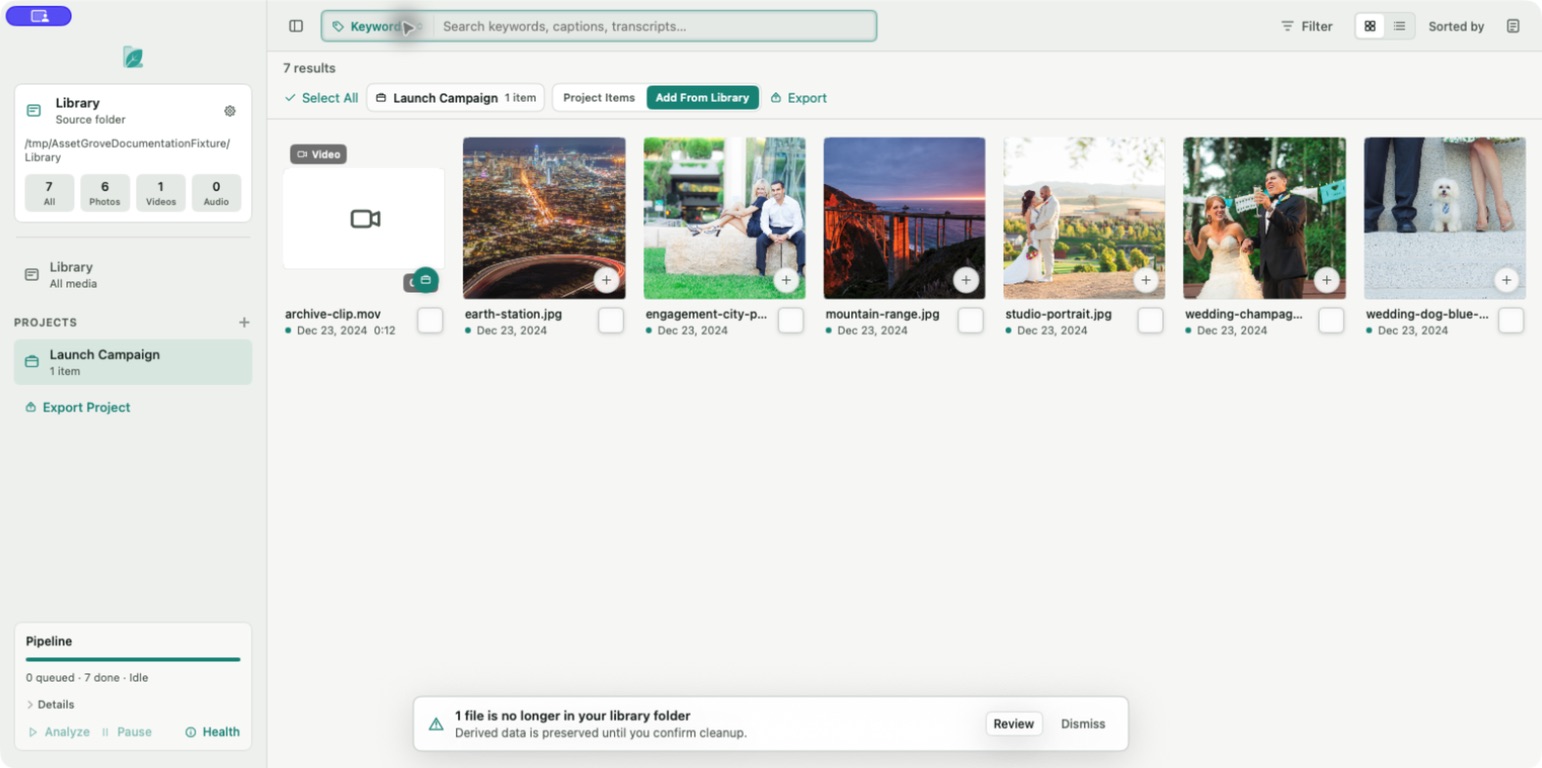
- Select the search-mode button.
- Choose Keywords.
- Enter a filename fragment, folder name, caption term, transcript phrase, or user-added keyword.
- Open the Inspector to see why a result matched.
Keywords search checks text represented in the catalog, including filenames, folder paths, captions, keywords, transcripts, and available file metadata.
Good uses for Keywords
- A person's name you added manually.
- Part of a camera filename such as
HIEU9901. - A known phrase from a recorded interview.
- A project-specific tag such as
final-select.
To clear the query, select the close button in the field or use Edit > Clear Search. Clearing search text does not clear media-type or date filters.