Filter, sort, and change the browser
Select Filter to open the filter panel. Search text and filters work together.
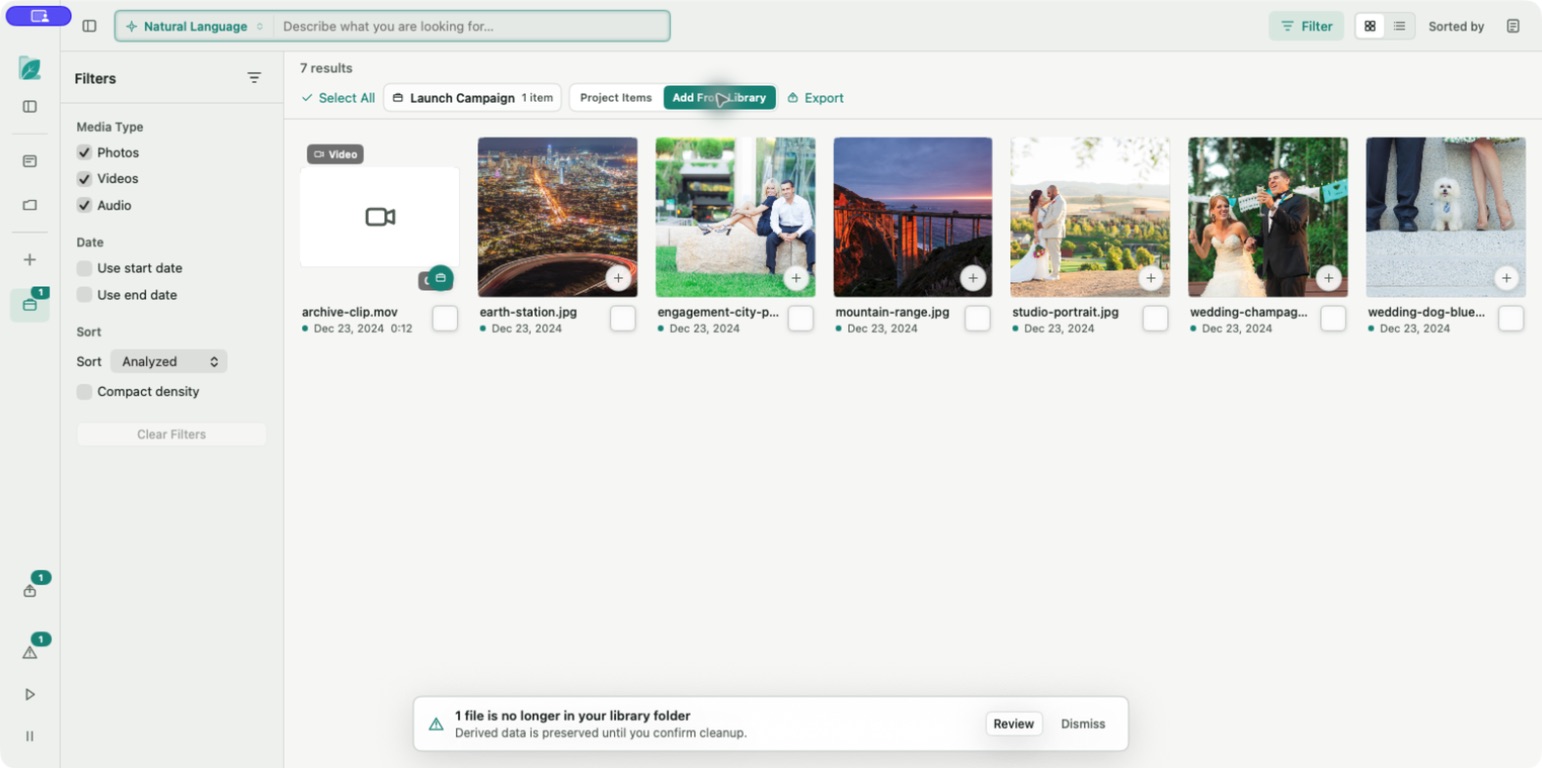
Filters
- Media type: Photos, Videos, and Audio.
- Start date and end date.
- Compact density.
Active filters appear above results as removable chips. Select Clear Filters to return to all media.
Sort orders
Open Sorted by and choose Analyzed, Relevance, Newest, Oldest, Content, Media Type, Largest, or Name. Relevance is most useful with an active search; Analyzed groups the browser around local-analysis state.
Grid and list
Grid emphasizes previews for visual review. List fits more filename, caption, date, and size context on screen. Choose View > Use Compact Density to show more items.
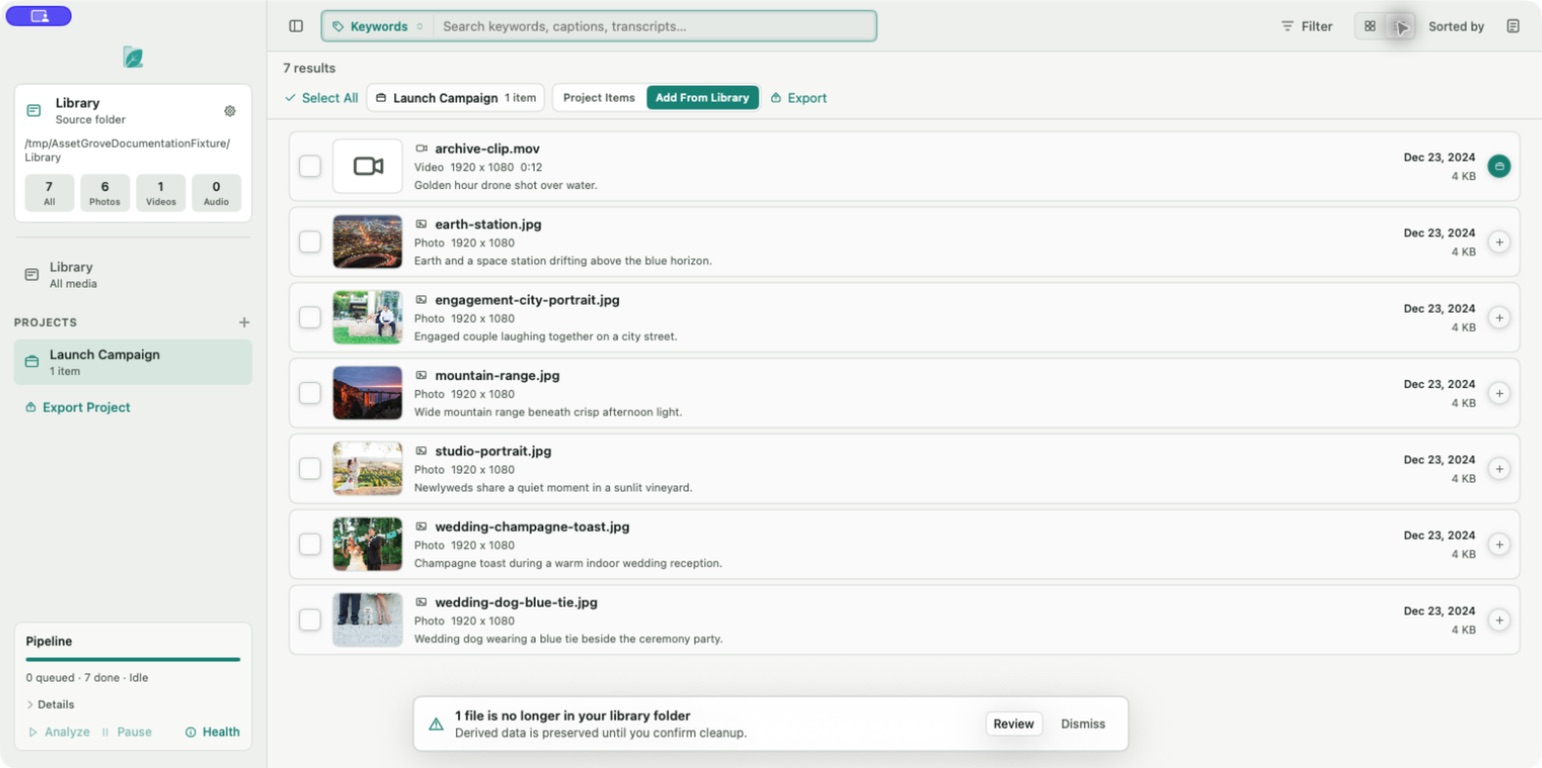
If results look wrong, check the search mode, active filter chips, sort order, and whether a project scope is active.