Read an export report
Every export ends with a local report.
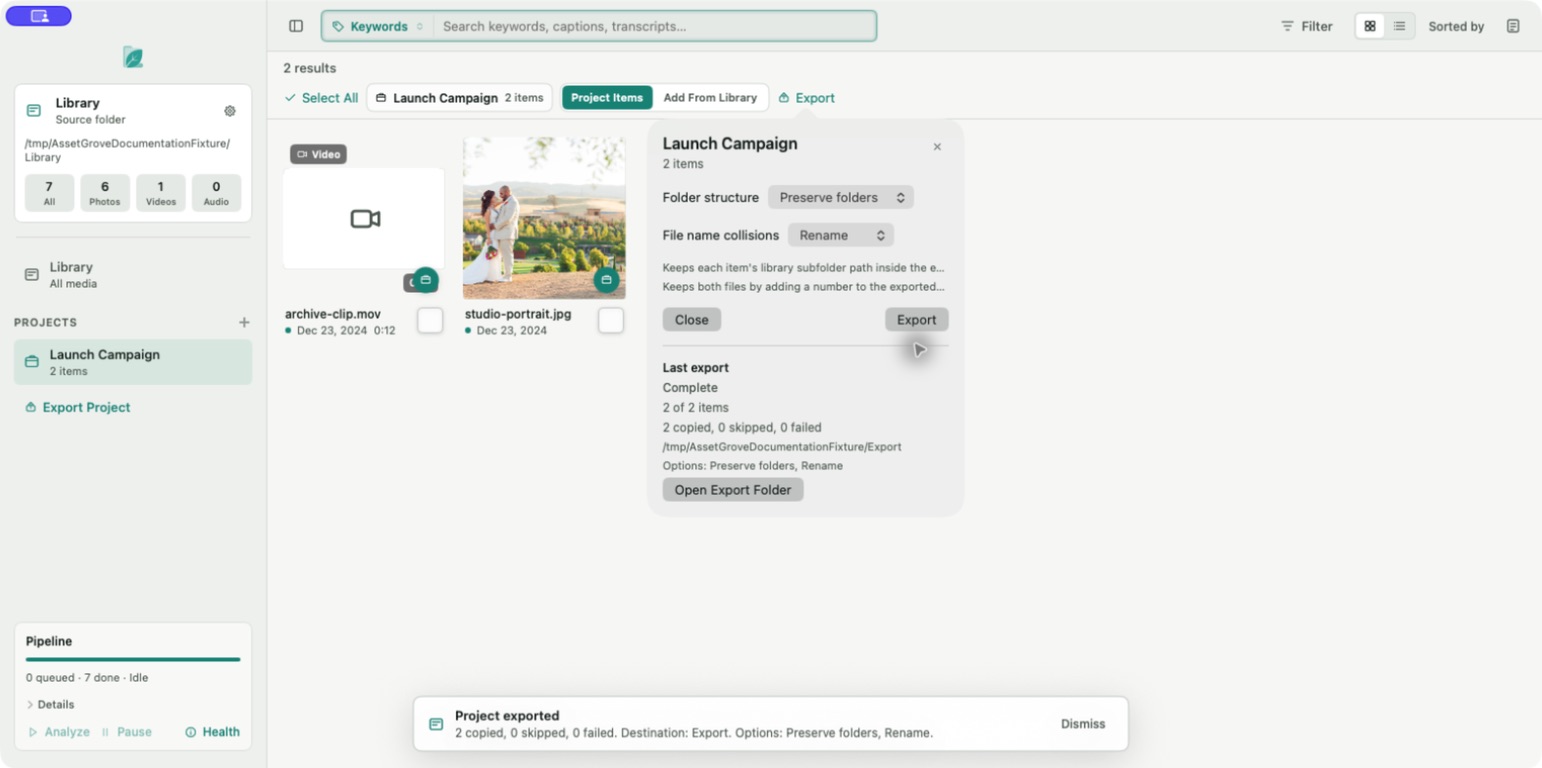
- Copied items were written successfully.
- Skipped items were intentionally not copied, often because of the selected collision policy.
- Failed items could not be read or written.
- Cancelled items were not attempted after export stopped.
Retry a problem
- Review the affected filename and reason.
- Confirm the source drive is online and the original can be opened.
- Confirm the destination is connected, writable, and has free space.
- Check the filename-collision policy.
- Run the export again.
An export can contain both successful and unsuccessful items. Do not assume the whole delivery failed because one item did.
If repeated failures affect different media, try a new destination folder on a known-writable drive. See Export and storage troubleshooting.