Welcome to Asset Grove Help
Asset Grove helps you find the right photo, video, or audio clip without uploading your archive. Use these guides to set up the app, understand local analysis, search by meaning, build projects, export originals, and solve common problems.
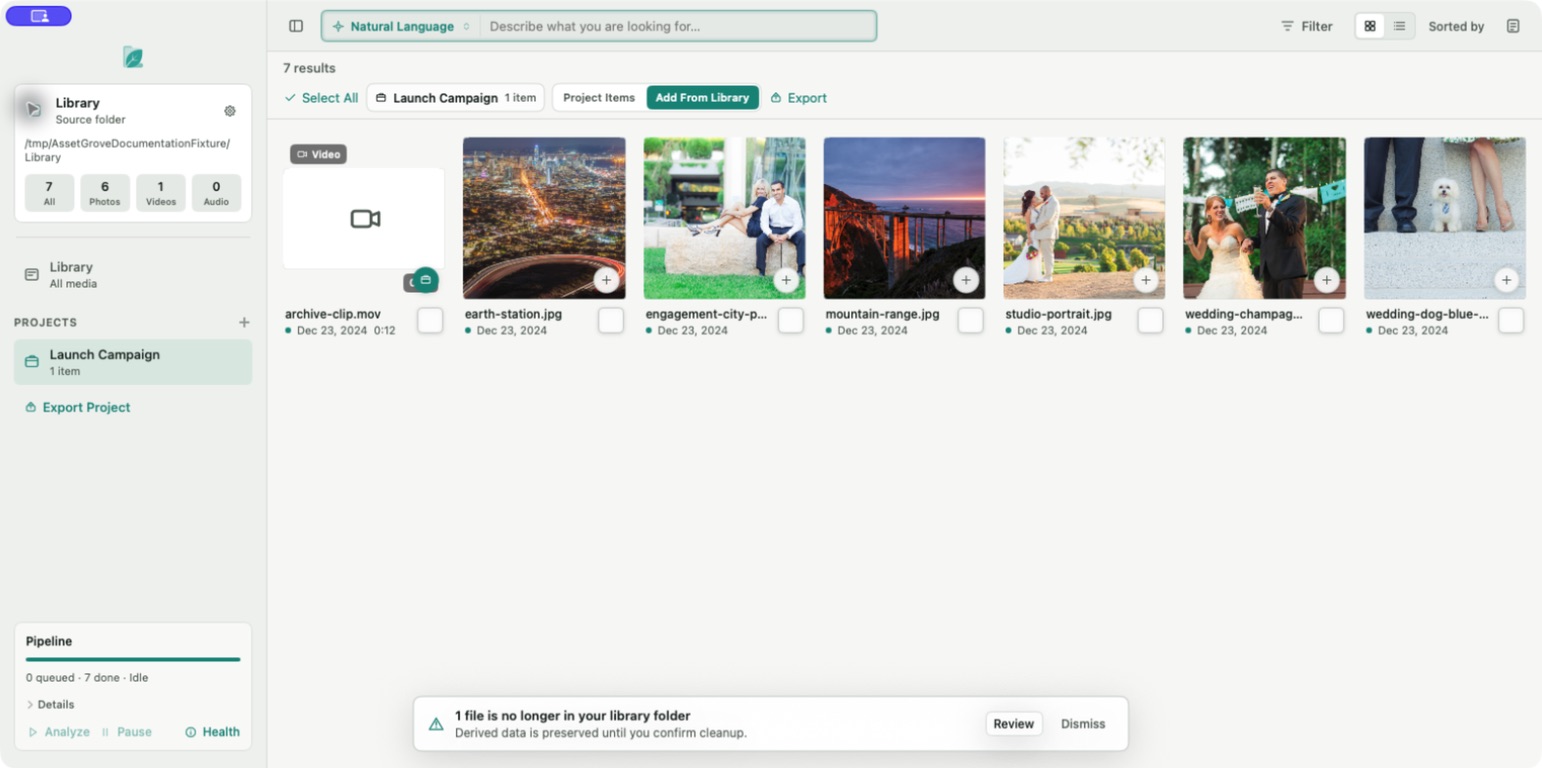
Start here
- Check system requirements.
- Sign in and unlock Asset Grove.
- Prepare local intelligence.
- Choose your first library folders.
- Know what to expect during first analysis.
Core workflows
- Search with natural language
- Filter, sort, and change views
- Create and manage projects
- Export a project
- Review missing files
:::info Your originals stay put Asset Grove catalogs media in the folders you choose. It does not move, rename, delete, or modify your original files. Project export creates copies in the destination you select. :::
Need the linear version? Read the complete user manual or download the PDF from the footer.